Cómo añadir Koalendar a tu sitio de Google
Lleve su experiencia de reserva directamente a su sitio de Google, sin necesidad de código. Elija entre dos métodos sencillos:
- 🔗Enlace: Utiliza un botón, una imagen o un enlace de texto.
- 🧩Incrustación en línea: muestra el programador directamente en la página.
🧭 En esta guía
🔗 Añadir un enlace (botón, texto o imagen)
No te compliques: envía a los visitantes a tu página de reservas:
- Añade unbotón,texto oimagena tu sitio web de Google.
- Selecciona el elemento y haz clic en elicono «Enlace» o «Editar»(si se trata de un botón).
-
Pegar Tu URL de Koalendar (por ejemplo,
https://koalendar.com/e/demo)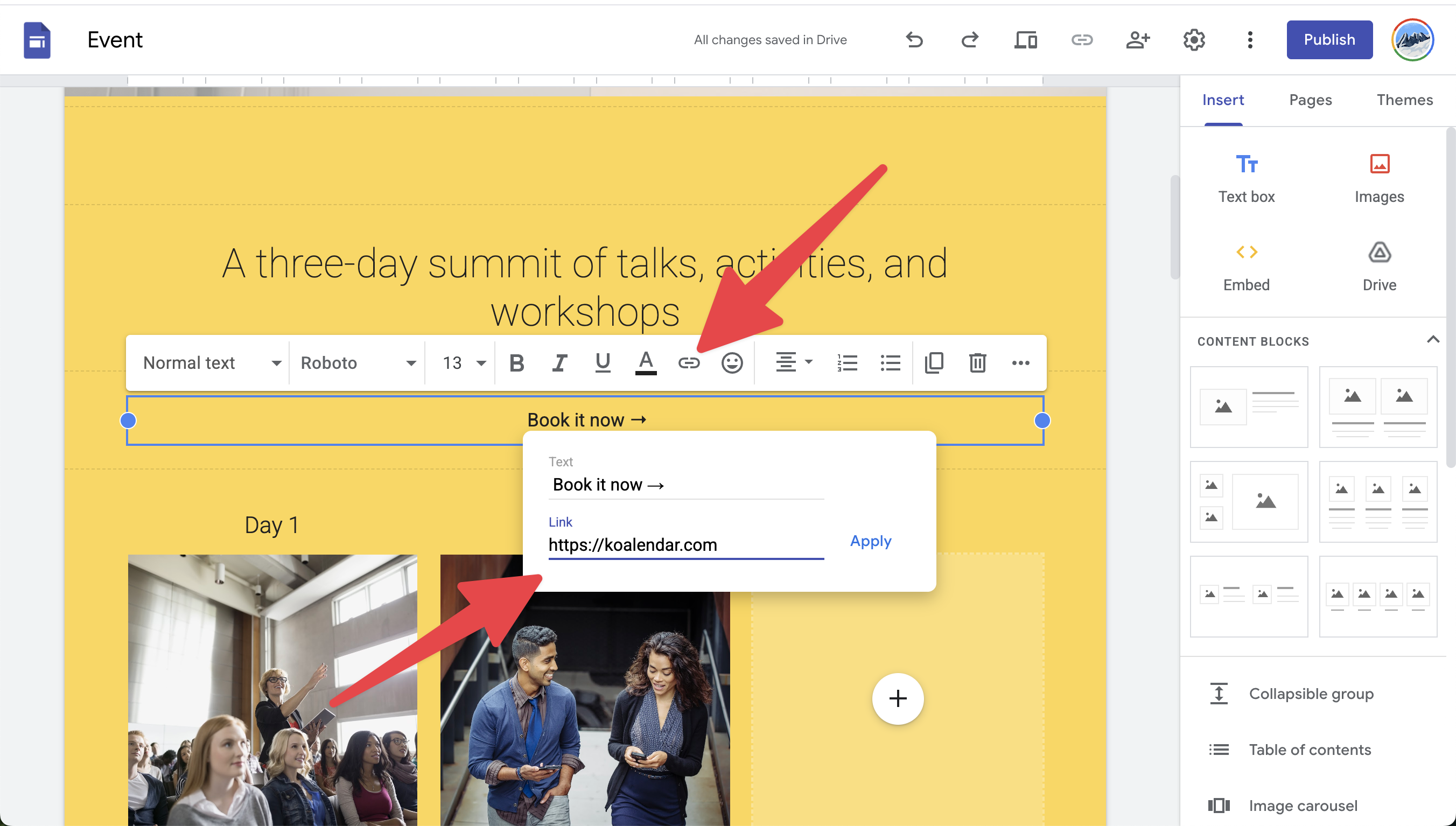
- Haga clic enAplicarypublicar.
🧩 Programador integrado en línea

Muestra tu Koalendar directamente en tu sitio web:
-
Copia el códigode inserción en líneadelas opciones de inserción de tuKoalendar.

- Abre el editor de Google Site y, en el menú de la derecha, seleccionaInsertar > Insertar.

- Selecciona la opción«Código de inserción», pega el código de inserción y haz clic en«Siguiente».
- Ajuste el tamaño y haga clic enPublicar.